How to check if an image is AI-generated
How to check if an image is AI-generated using origin records, official verification tools, and a practical review process for business use.
Some links below are partner links. If you buy through one, The Memo earns a commission at no extra cost to you. How we make money.
In this briefing
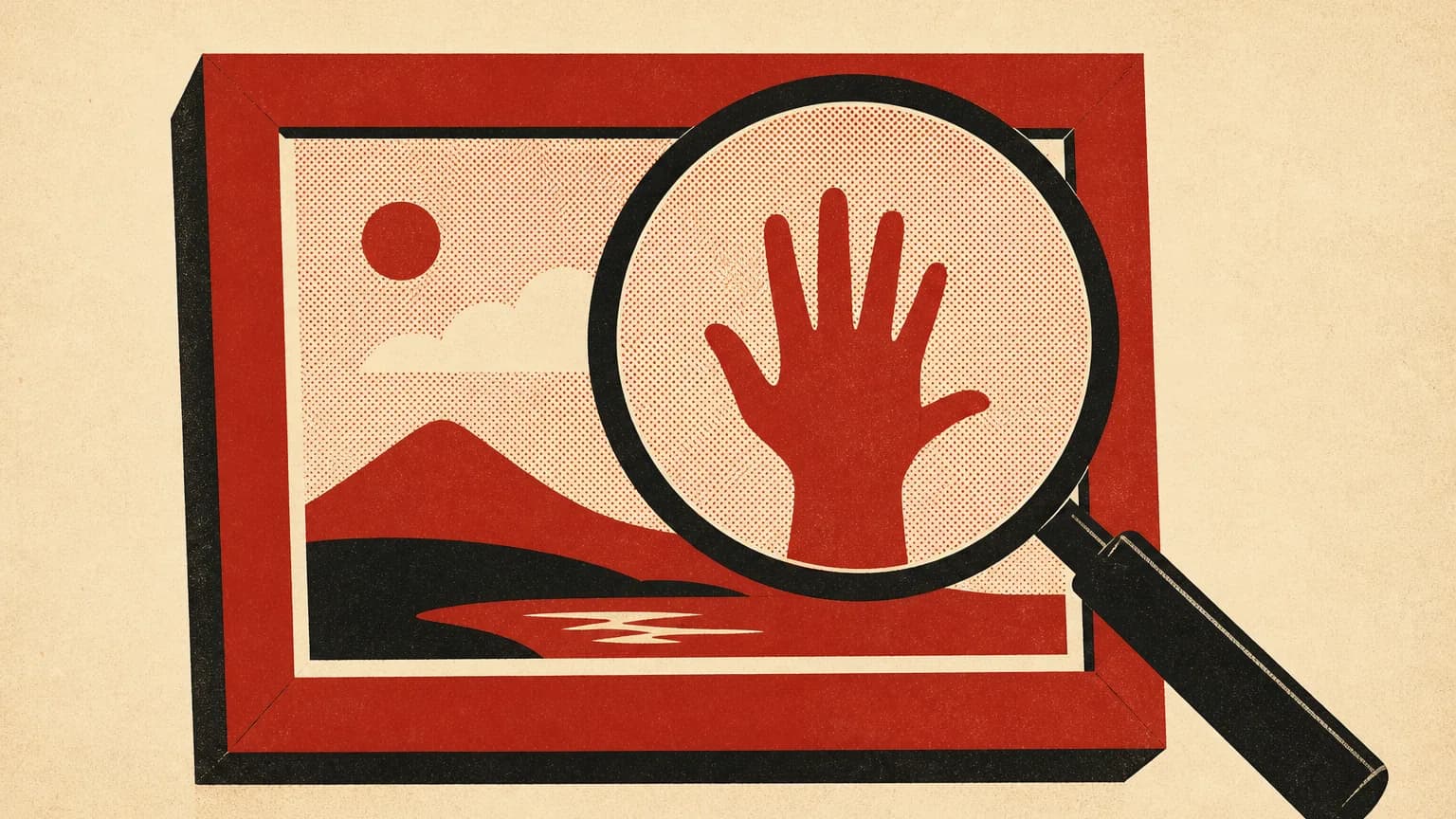
The quickest way to check whether an image was made by AI is to inspect its origin record, then test it with the creator's official verification tool. Visual clues come last. This matters when a supplier sends product art, an employee submits campaign creative, or a damaging image appears to show your business.
The uncomfortable answer is that no single test catches everything. A positive result can provide useful evidence. A blank result does not prove a human made the image.
Start with the original file
Ask for the original image before you inspect anything. A picture copied from a social post, pasted into a message, or captured as a screenshot may have lost the information attached when it was created.
That attached information is called metadata, meaning hidden file details such as the creating software, date, and editing history. Newer systems can add a signed version called Content Credentials. The signature helps show whether the recorded history has been altered after it was attached.
Use the free Content Credentials verifier first. Drop the file into the page and look for a creation method, the named software, and later edits. The service currently accepts common image types including JPEG, PNG, WebP, HEIC, SVG, and TIFF, along with several audio, video, and document formats.
A record saying that Adobe Firefly or another AI system created the file is strong evidence about its origin. A record showing a camera captured it is useful too, but read the full history. A real photograph can still contain an AI-made replacement object or background.
No record? Keep going. Content Credentials are still spreading across cameras, editing software, and AI services. Many files never had them, while some websites remove metadata during upload or compression.
Check the suspected generator
If you think ChatGPT made the image, use OpenAI Verify. The checker looks for two supported signals in images made through ChatGPT, Codex, or the OpenAI application programming interface, which is the connection businesses use to put OpenAI models inside their own software.
The first signal is a Content Credential. The second is SynthID, an invisible watermark placed inside the image rather than attached as a file note. OpenAI says supported images include both signals, although coverage depends on the product, model, file type, export route, and creation date.
Upload one image at a time. For a screenshot, OpenAI advises cropping closely around the picture and avoiding a file that contains several images. A detected OpenAI signal means the file was generated by or exported from a supported OpenAI tool.
That result answers a narrow question. It does not prove the picture is false, identify the person who made it, settle ownership, or show that every pixel is untouched. An AI system can create an accurate diagram. A camera can capture a misleading scene. Origin and truth are separate checks.
OpenAI's checker does not test for every other image generator. If the likely source is different, look for a verification page published by that provider. Our guide to Gemini's visible and hidden watermarks explains Google's separate approach.
Your move
Read a blank result correctly
“No signal found” means the checker did not detect a signal it supports. Stop there. Do not turn that message into “human-made.”
The image may predate the watermark system. The generator or export method may be unsupported. A social network may have removed the attached record. Cropping, heavy compression, added noise, format changes, and other edits can also damage a watermark.
This distinction matters in a dispute. If a competitor sends you a suspicious advertisement, a blank scan is weak evidence. If OpenAI Verify detects an OpenAI-issued signal, you have a specific finding that can support a closer review.
Use this simple reading guide:
| Result | What it supports | What it does not support |
|---|---|---|
| Trusted AI creation record | The named system created or exported the file | The scene is false or the use is unlawful |
| Camera record with editing history | A camera captured the starting file | Every later element is camera-made |
| Invisible watermark detected | The tested provider's signal is present | The file is unchanged or owned by the sender |
| No supported signal | The test found nothing it recognizes | A person made the image without AI |
This is why a result should sit beside other evidence, not replace it.
Use visual clues as questions, not proof
Odd hands, garbled signs, repeated background faces, impossible reflections, and inconsistent shadows can justify a closer look. They cannot close the case. Image models improve, and ordinary editing can create the same defects. Low-quality phone photos often look stranger than polished AI work.
Reverse-image search can help locate earlier copies. If an older version shows a different sign, product, or person, you have a useful editing trail. Check whether the account publishing the image names a location, date, photographer, or source that can be confirmed independently.
For a product image, compare the object with the supplier's other photographs and the item that will actually ship. For a supposed event photo, look for another angle from a credible attendee. For campaign creative, ask the person who supplied it to disclose which tools were used and where every source element came from.
That last step belongs in your process before trouble starts. A short AI content policy for staff and contractors can require original files, tool disclosure, source records, and human approval. It is much cheaper to collect this information at handoff than reconstruct it after an ad is live.
Build a five-minute business check
Small teams do not need a forensic laboratory for routine creative. They need a repeatable review that gets stricter when the risk rises.
- Preserve the file. Save the original in a dated folder. Do not resize, rename through an editing app, or convert it before checking.
- Inspect Content Credentials. Record the named creator, software, creation method, and any edit history shown.
- Test the likely source. Use the generator's official checker when one exists. Save a screenshot of the result with the original.
- Confirm the claim. Verify the pictured product, person, place, and event through a separate source.
- Decide by risk. Routine decorative art may need a light review. A testimonial, before-and-after image, executive portrait, or evidence in a dispute deserves written approval.
Adobe also provides an Inspect tool for Content Credentials. It can show who created a file, how it was made, and whether generative AI was involved. Generative AI means software that produces new text, images, audio, or video from an instruction. Adobe says files uploaded for inspection are not stored.
The review should cover permission as well as origin. An image being AI-made does not automatically make it safe to publish. It may imitate a real person, reproduce protected characters, make an unproven product claim, or use a customer's likeness without consent. For recurring creative work, pair the check with an AI brand voice and review system so images and copy reach the same human approval point.
When to stop and escalate
Pause publication when the image depicts a real person doing something damaging, supports a health or financial claim, changes the apparent performance of a product, or could affect a contract or payment. Preserve the files and ask for specialist legal or forensic help when the stakes justify it.
For normal marketing work, the decision is simpler. Keep original files, inspect the available origin signals, verify the underlying claim, and label synthetic material when the context calls for clarity. Our content and creative coverage tracks how those expectations are changing.
Frequently asked questions
Can you reliably tell if an image is AI-generated?
Sometimes. A signed creation record or a supported invisible watermark can offer strong evidence. But missing evidence is not evidence of human creation, especially after screenshots, editing, or social-media processing.
What is the best way to check whether an image came from ChatGPT?
Use OpenAI Verify on the original file. It checks for supported Content Credentials and SynthID signals associated with OpenAI tools. A detected signal is meaningful. A negative result leaves the origin unresolved.
Do AI images contain hidden information?
Some contain metadata describing their origin, while others carry an invisible watermark within the pixels. Support varies by provider, model, export method, and the age of the image.
Can a screenshot remove evidence that an image was made by AI?
Yes. A screenshot usually drops the original file's attached metadata and may weaken embedded signals. Ask for the source file whenever the answer affects an important business decision.
Frequently asked questions
Can you reliably tell if an image is AI-generated?
Sometimes. A trusted origin record or an embedded watermark can provide strong evidence, but no result can prove that an image was made without AI.
What is the best way to check whether an image came from ChatGPT?
Upload the original file to OpenAI Verify. It checks for supported OpenAI Content Credentials and SynthID signals, although a negative result remains inconclusive.
Do AI images contain hidden information?
Some do. Content Credentials can record the creating tool and editing history, while invisible watermarks can place a detectable signal inside the image itself.
Can a screenshot remove evidence that an image was made by AI?
A screenshot can remove attached metadata and may weaken an invisible watermark. Keep the original file whenever the image will support an important business decision.
About The Memo
The daily brief on AI and marketing. What changed in AI tools, search, ads and growth, why it matters, and the move to make this week. How we work
The daily Memo
One short email each morning when something in AI or marketing actually changes, with the move to make.
Free. Every morning. Unsubscribe anytime.
Keep reading
Related briefings
AI brand voice guide: make every draft sound like you
Build an AI brand voice guide from your best writing, then test it across emails, web copy, and social posts with this practical template.
AI prompts for marketing: a practical template
AI prompts for marketing that give small teams clearer drafts, steadier brand voice, and a repeatable review process before customers see the copy.
ChatGPT redraws images, Meta launches Muse: Sept. 9
ChatGPT speeds up image work, Meta launches an agent that can buy, and DaVinci Resolve puts AI assistants inside the edit suite.